Latest firmware version: 3.1.3 · Updated: 2026-11-12
Please open this site with Chrome or Edge, connect the wireless remote with a TYPE-C data cable, then submit the activation code.
Flashing may restore factory settings. Do not disconnect power or USB.
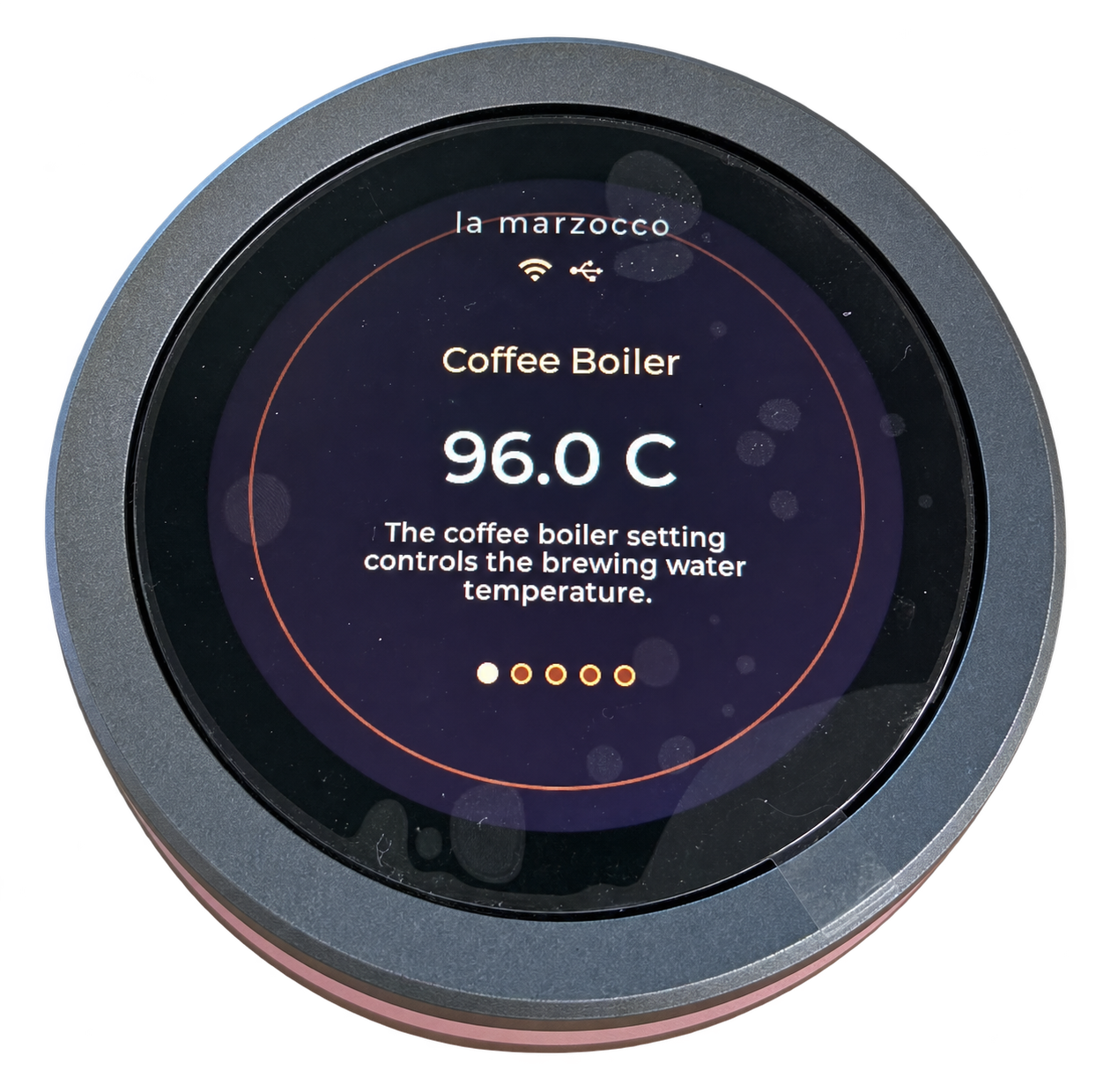
For reviewed first flashing of a blank ESP32-S31 round remote only. Check its shape and model.
Latest Chrome browser download links:
Link 1 https://www.google.cn/intl/zh-CN/chrome/?standalone=1
Link 2 https://redirector.gvt1.com/edgedl/chrome/install/ChromeStandaloneSetup64.exe
Link 3 https://edgedl.me.gvt1.com/edgedl/chrome/install/ChromeStandaloneSetup64.exe
ShotStopper C3 browser flash: ShotStopper C3 Browser Flash
Enter S31 Flash Activation Code
Each activation code allows one flashing attempt and remains valid for 2 hours after verification. Request a new code for the next flash.